最近几年来,地理信息系统无论是在理论上还是应用上都处在一个飞速发展的阶段。 GIS被应用于多个领域的建模和决策支持,如城市管理、区划、环境整治等等,地理信息成为信息时代重要的组成部分之一; “数字地球”概念的提出,更进一步推动了作为其技术支撑的GIS的发展。 与此同时,一些学者致力于相关的理论研究,如空间感知、空间数据误差、空间关系的形式化等等。 这恰好说明了地理信息系统作为应用技术和学科的两个方面,并且这两个方面构成了相互促进的发展过程。
The Django Form component is used to initialize the page, generate HTML tags, and validate the data submitted by the user (displaying error messages).
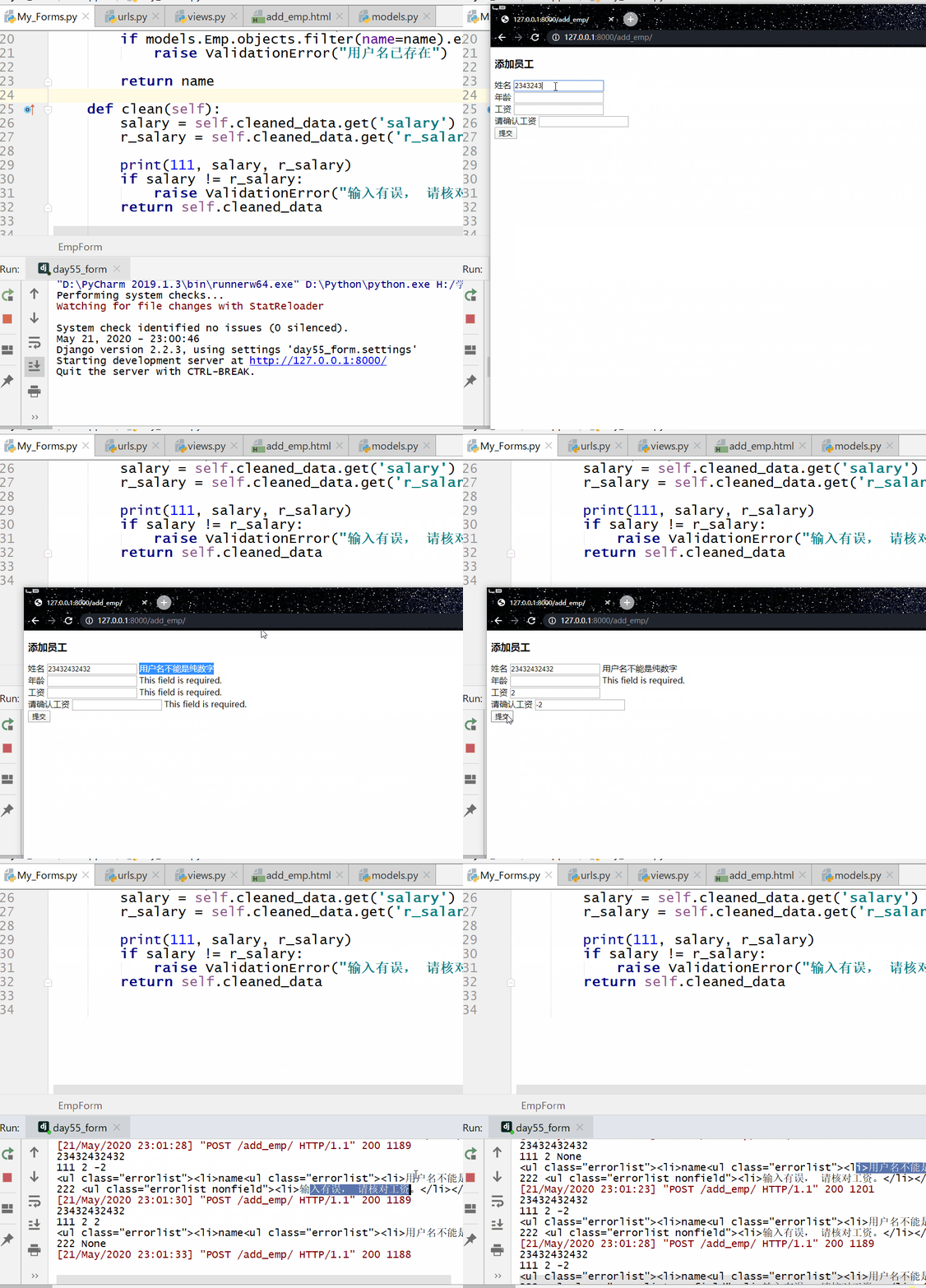
报错信息显示顺序:
Displays the error message in the field properties before displaying the error message for the local hook.
If the error message for the field property is displayed, the error message for the local hook is not displayed.
If there is a global hook, the global hook will not be verified until all the data has been verified, and the error message of the global hook must be displayed.
To use the Form component, you need to import forms first:
from django import forms 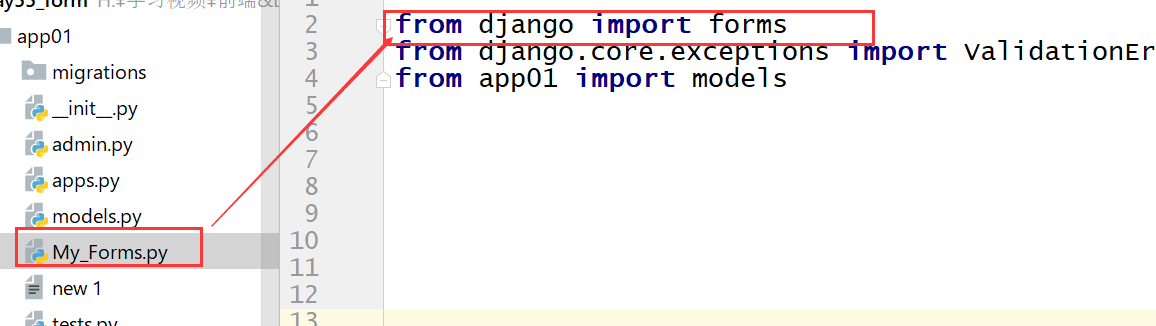
Next, we create a My_forms.py under the app01 directory: 字段属性: label Enter the text information in front of the box error_message Customizes the error message displayed, and the attribute value is the dictionary, where required is the key that sets the error message that cannot be empty. Add the following rules to the app01/urls.py file: HTML template: 姓名: 年龄: 工资: The running result is shown in the following figure: Define the Form class: Views.py file code: The template file code is as follows: The running result is shown in the following figure: https://www.runoob.com/wp-content/uploads/2020/05/1563239932711.png 7.14.1. app01/My_forms.py 
from django import forms from django.core.exceptions import ValidationError from app01 import models class EmpForm(forms.Form): name = forms.CharField(min_length=4, label="姓名", error_messages={"min_length": "你太短了", "required": "该字段不能为空!"}) age = forms.IntegerField(label="年龄") salary = forms.DecimalField(label="工资")
7.14.2. app01/views.py 
from django.shortcuts import render, HttpResponse from app01.My_Forms import EmpForm from app01 import models from django.core.exceptions import ValidationError # Create your views here. def add_emp(request): if request.method == "GET": form = EmpForm() return render(request, "add_emp.html", {"form": form}) else: form = EmpForm(request.POST) if form.is_valid(): # 进行数据校验 # 校验成功 data = form.cleaned_data # 校验成功的值,会放在cleaned_data里。 data.pop('r_salary') print(data) models.Emp.objects.create(\**data) return HttpResponse( 'ok' ) # return render(request, "add_emp.html", {"form": form}) else: print(form.errors) # 打印错误信息 clean_errors = form.errors.get("__all__") print(222, clean_errors) return render(request, "add_emp.html", {"form": form, "clean_errors": clean_errors}) path('add_emp/', views.add_emp)
7.14.3. app01/add_emp.html 
添加员工
{#1、自己手动写HTML页面#}#} {##} {##} {##} {#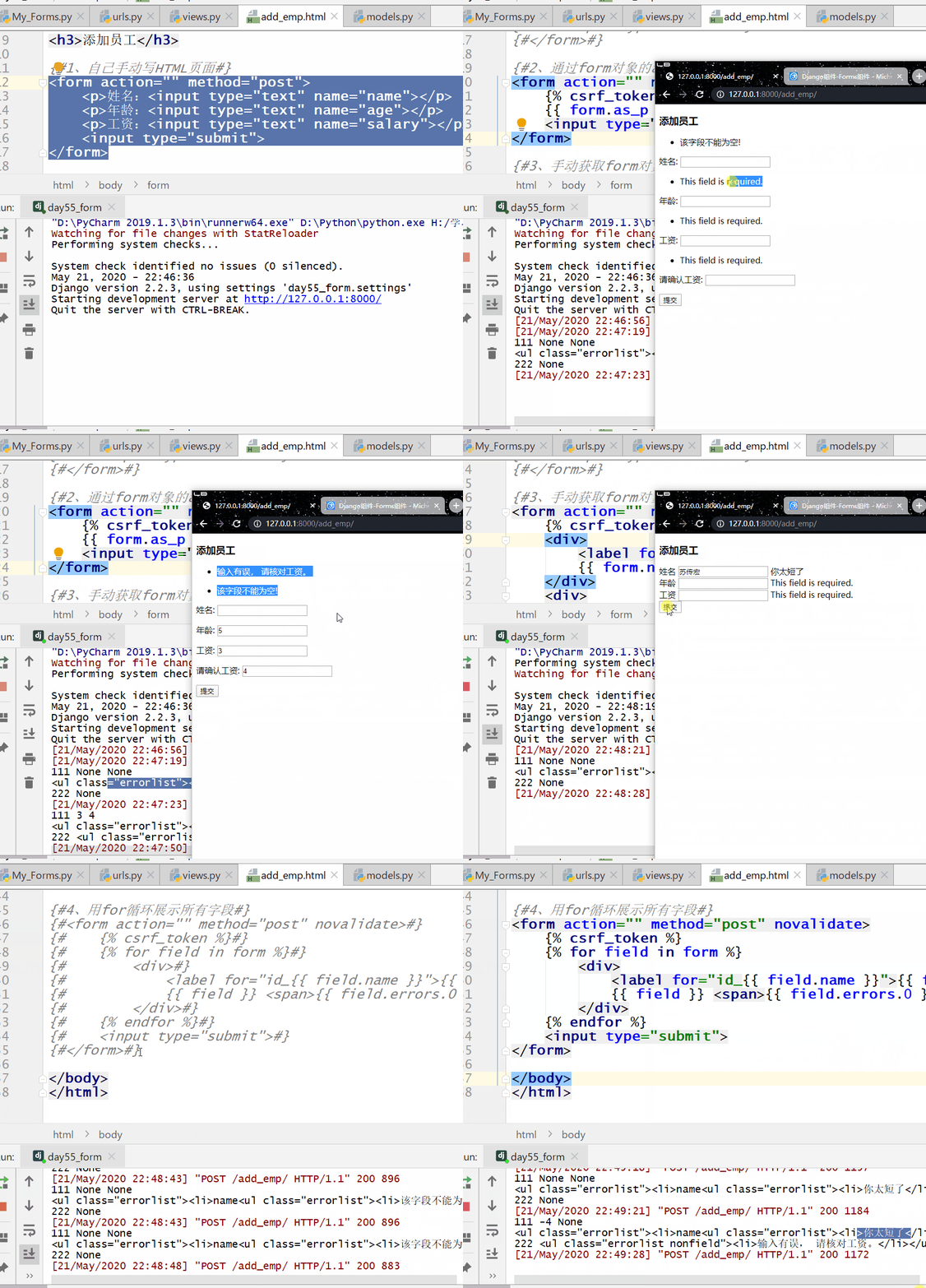
Local hooks and global hooks 
7.14.4. app01/My_forms.py 
from django import forms from django.core.exceptions import ValidationError from app01 import models class EmpForm(forms.Form): name = forms.CharField(min_length=5, label="姓名", error_messages={"required": "该字段不能为空!", "min_length": "用户名太短。"}) age = forms.IntegerField(label="年龄") salary = forms.DecimalField(max_digits=5, decimal_places=2, label="工资") r_salary = forms.DecimalField(max_digits=5, decimal_places=2, label="请再输入工资") def clean_name(self): # 局部钩子 val = self.cleaned_data.get("name") if val.isdigit(): raise ValidationError("用户名不能是纯数字") elif models.Emp.objects.filter(name=val): raise ValidationError("用户名已存在!") else: return val def clean(self): # 全局钩子 确认两次输入的工资是否一致。 val = self.cleaned_data.get("salary") r_val = self.cleaned_data.get("r_salary") if val == r_val: return self.cleaned_data else: raise ValidationError("请确认工资是否一致。")
7.14.5. app01/views.py 
def add_emp(request): if request.method == "GET": form = EmpForm() # 初始化form对象 return render(request, "add_emp.html", {"form":form}) else: form = EmpForm(request.POST) # 将数据传给form对象 if form.is_valid(): # 进行校验 data = form.cleaned_data data.pop("r_salary") models.Emp.objects.create(\**data) return redirect("/index/") else: # 校验失败 clear_errors = form.errors.get("__all__") # 获取全局钩子错误信息 return render(request, "add_emp.html", {"form": form, "clear_errors": clear_errors})
7.14.6. app01/add_emp.html 
<formaction=""method="post"novalidate>{% csrf_token %}<div><labelfor="id_{{ form.name.name }}">姓名label>{{ form.name }}<span>{{ form.name.errors.0 }}span>div><div><labelfor="id_{{ form.age.name }}">年龄{{ form.age }}{{ form.age.errors.0 }}span>div><div><labelfor="id_salary">工资label>{{ form.salary }}<span>{{ form.salary.errors.0 }}{{ clear_errors.0 }}span>div><div><labelfor="id_r_salary">请再输入工资label>{{ form.r_salary }}<span>{{ form.r_salary.errors.0 }}{{ clear_errors.0 }}span>div><inputtype="submit">form>