Eclipse through Marketplace to install Kotlin plug-in, open Eclipse, select Help-> Eclipse Marketplace… menus, searching for Kotlin plug-in:
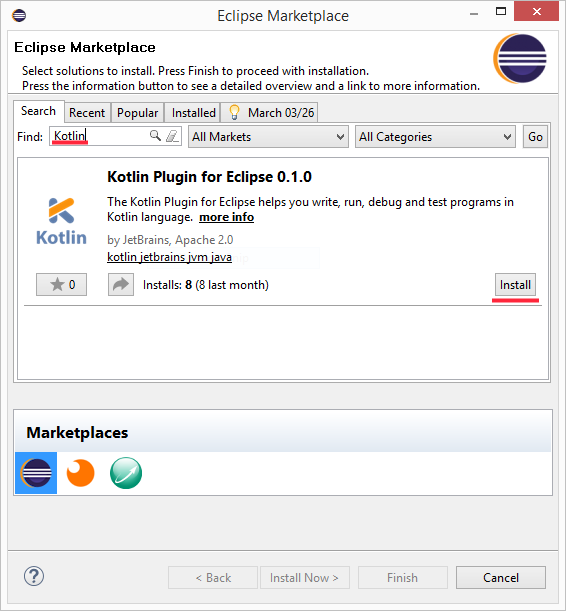
Then restart Eclipse and select Window-> Open Perspective-> Other…, if yousee it Kotlin option indicates that the installation was successful.
Select File-> New-> Kotlin Project to create After successful creation, the project structure is as follows: Next, let’s click Next, we are in Next, we are in After running successfully, you can run it in the window So the first 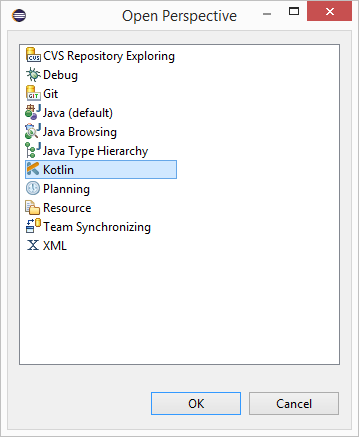
3.3.1. Create a new project #
Kotlin project: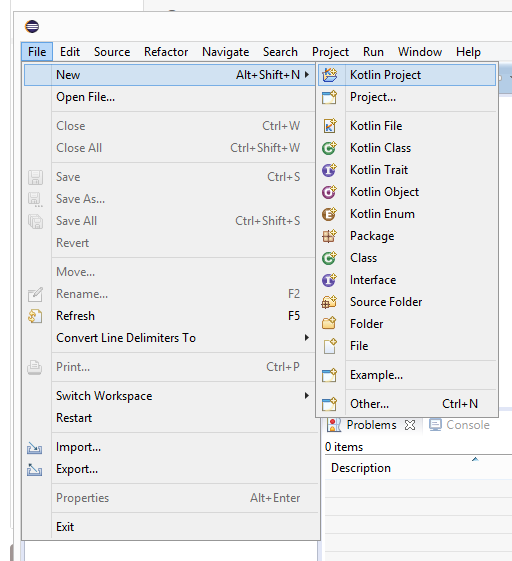
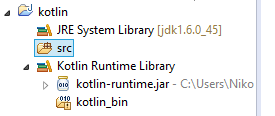
src folder, creating a Kotlin files, no need to write. ".kt" is automatically added by default, and it can be named at will. Here we create hello 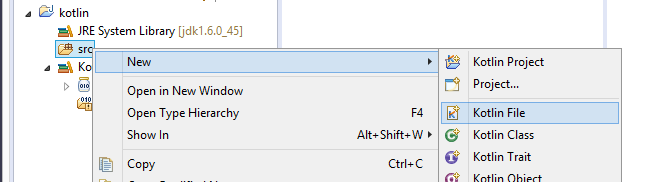
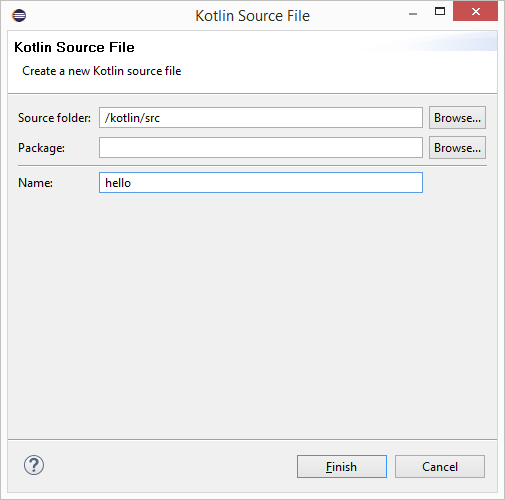
hello.kt to write some code in the file. Eclipse provides us with a template to do this quickly, just type main then press Enter , that’s it.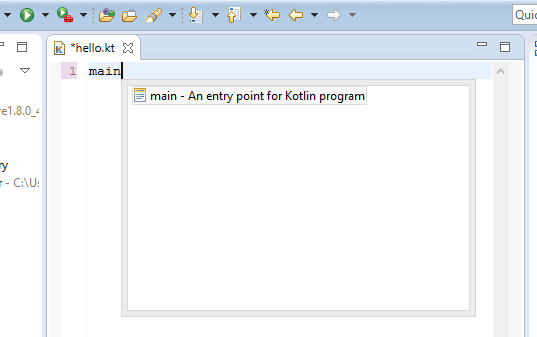
3.3.2. Run the application #
hello.kt right-click in the edit box and select Run As-> Kotlin Application to run: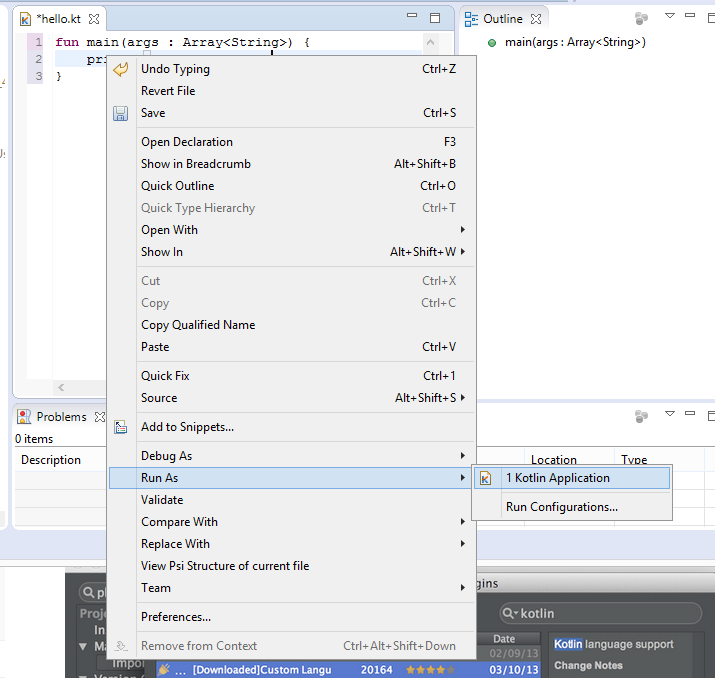
Console , you can see the results in.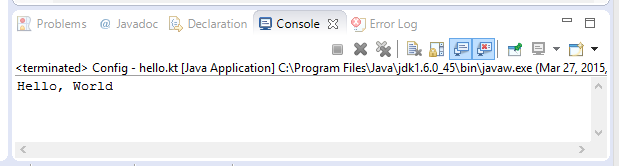
Kotlin code is running.