
The syntax format of Markdown image is as follows:


Start with an exclamation point!
Followed by a square bracket with alternative text for the picture
This is followed by a normal parenthesis with the URL of the image, and finally you can enclose it in quotation marks and add the optional ‘title’ attribute’ text.
Examples of use:


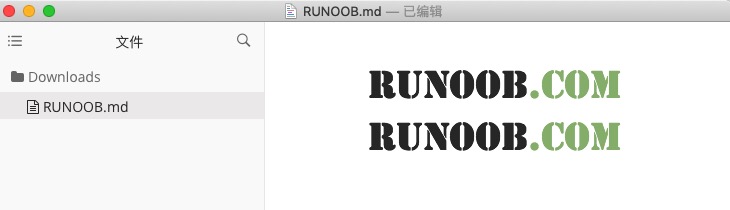
The display results are as follows:
Of course, you can also use variables for image URLs like URLs:
这个链接用 1 作为网址变量 [RUNOOB][1].
然后在文档的结尾为变量赋值(网址)

[1]: http://static.runoob.com/images/runoob-logo.png
The display results are as follows:
Markdown has no way to specify the height and width of the image, you can use the normal < img > tag if you want.
<img src="http://static.runoob.com/images/runoob-logo.png" width="50%">
The display results are as follows:
