最近几年来,地理信息系统无论是在理论上还是应用上都处在一个飞速发展的阶段。 GIS被应用于多个领域的建模和决策支持,如城市管理、区划、环境整治等等,地理信息成为信息时代重要的组成部分之一; “数字地球”概念的提出,更进一步推动了作为其技术支撑的GIS的发展。 与此同时,一些学者致力于相关的理论研究,如空间感知、空间数据误差、空间关系的形式化等等。 这恰好说明了地理信息系统作为应用技术和学科的两个方面,并且这两个方面构成了相互促进的发展过程。
EnterpriseDB is used here to download and install, and EnterpriseDB is the only vendor in the world that offers enterprise-class products and services based on PostgreSQL.
Download address: https://www.enterprisedb.com/downloads/postgres-postgresql-downloads .
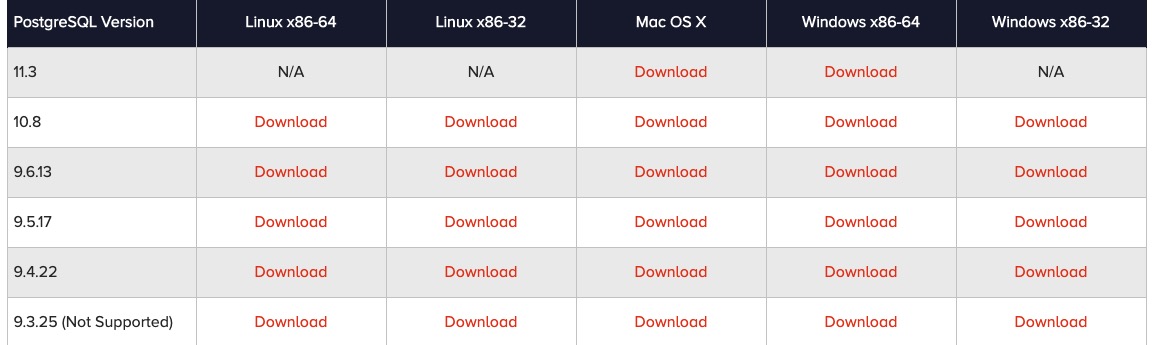
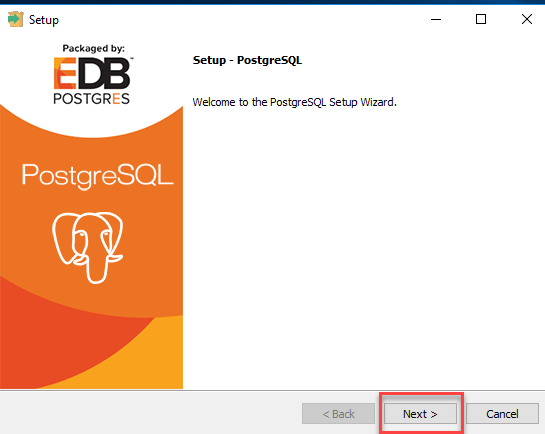
Double-click to download the installation package to start the installation
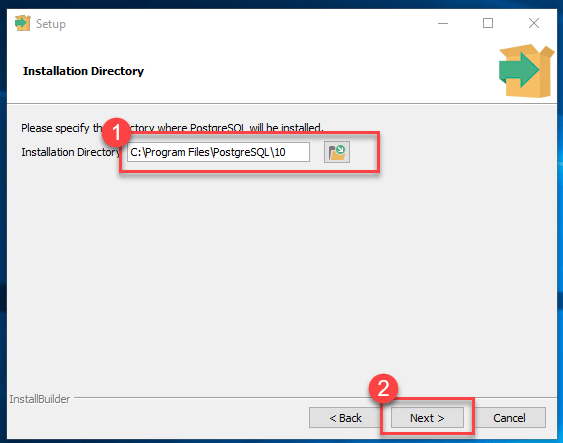
You can modify the installation path
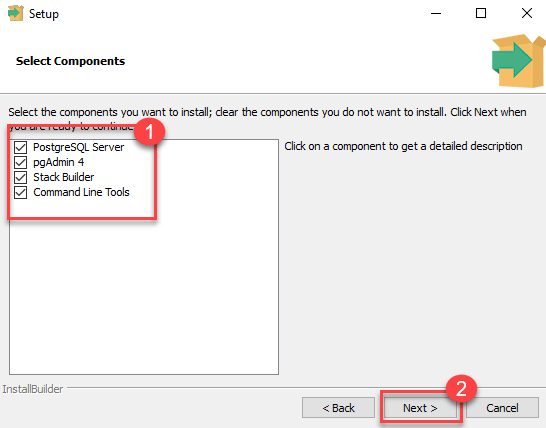
Choose to install components, and check all those you don’t know:
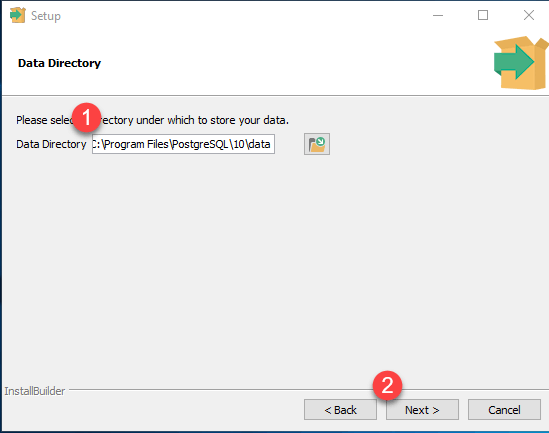
Set the database path
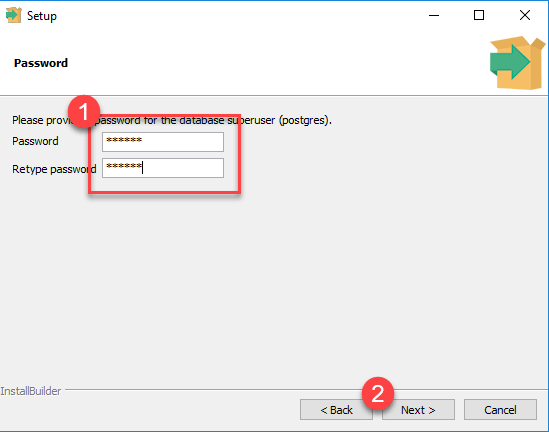
Set the password for the superuser
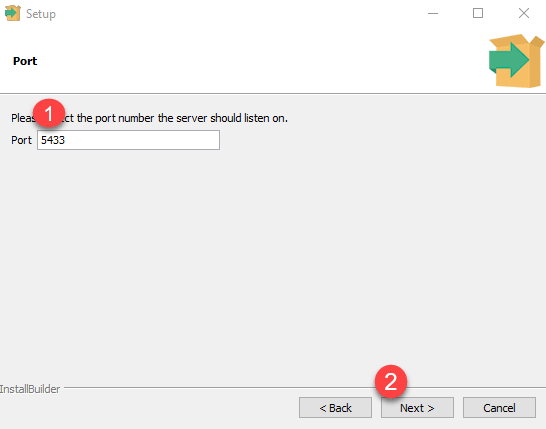
To set the port number, you can just use the default.
Direct point Next
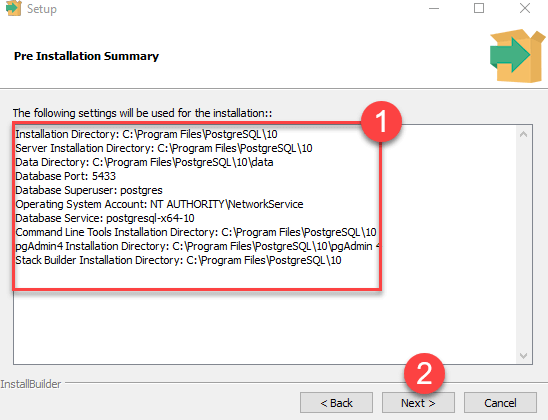
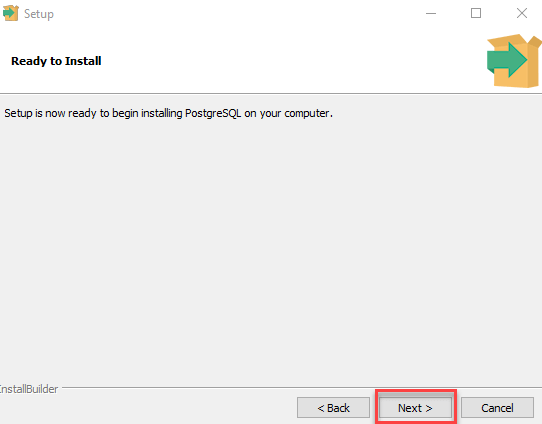
Point Next
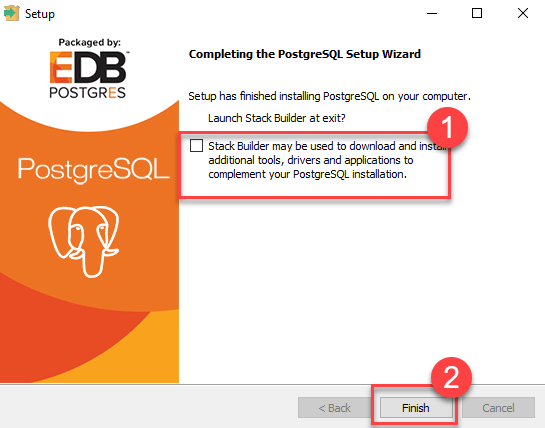
Remove the check box and go straight to Finish.
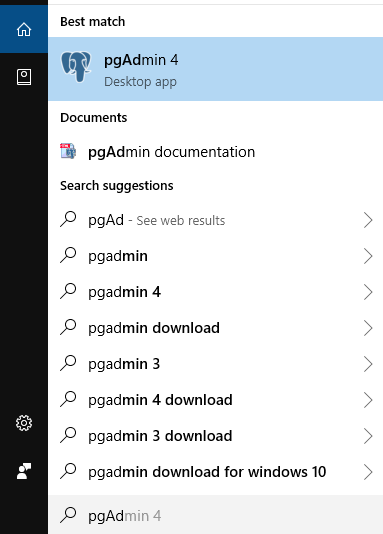
Open pgAdmin 4
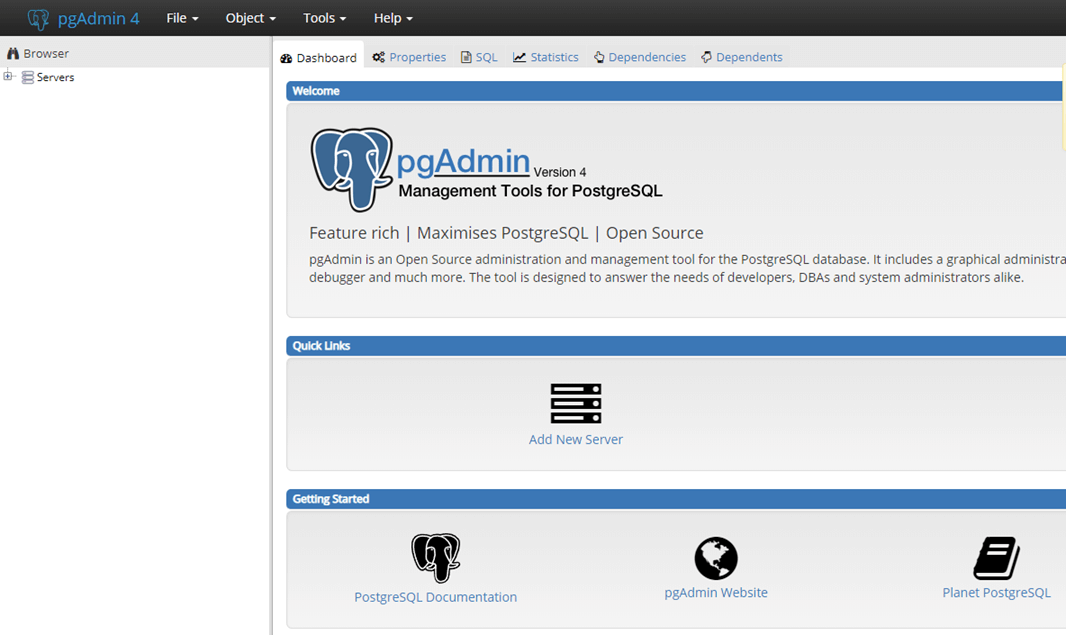
The pgAdmin home page is as follows
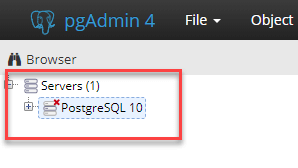
Click Servers > Postgre SQL 10 on the left
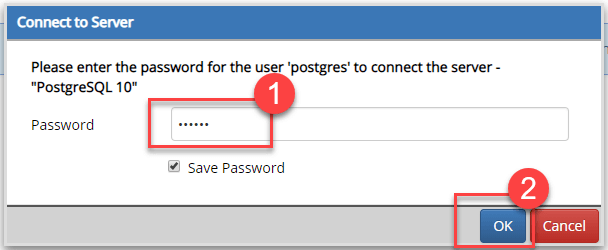
Enter the password and click OK.
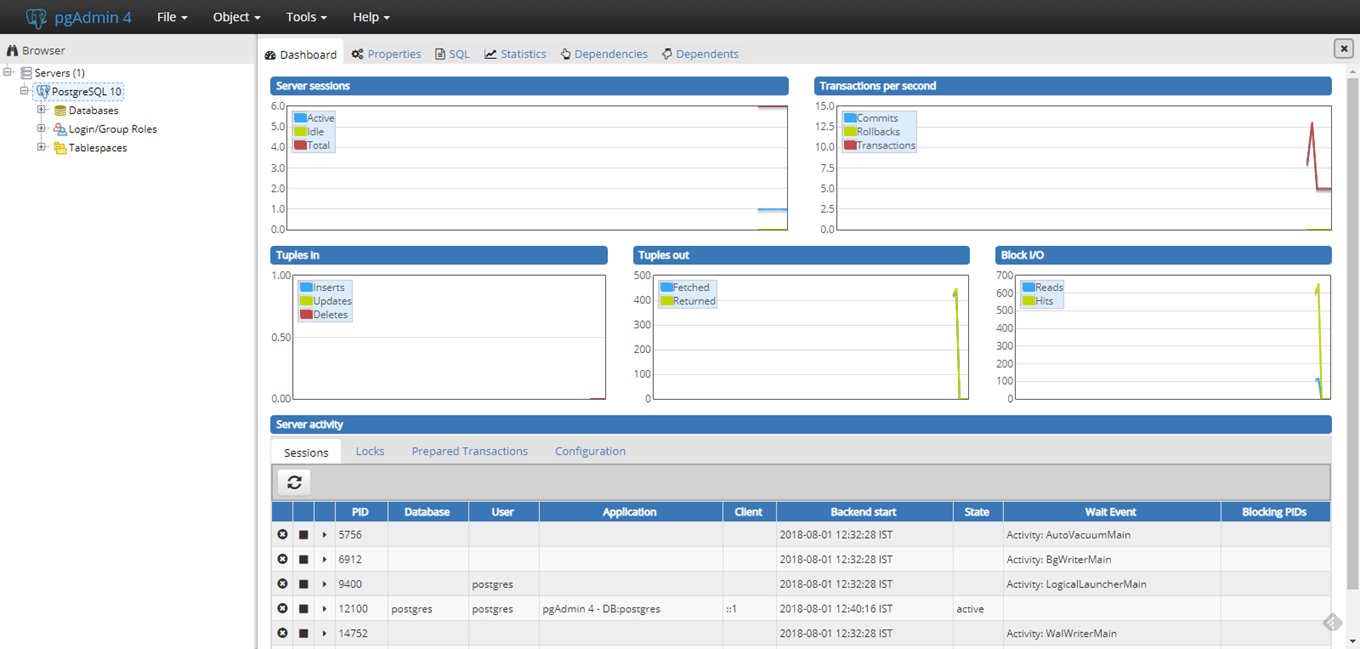
The control panel is as follows
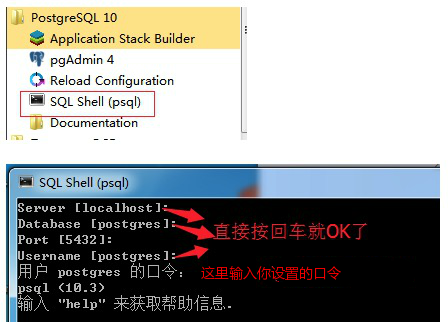
Open SQL Shell (psql)