最近几年来,地理信息系统无论是在理论上还是应用上都处在一个飞速发展的阶段。 GIS被应用于多个领域的建模和决策支持,如城市管理、区划、环境整治等等,地理信息成为信息时代重要的组成部分之一; “数字地球”概念的提出,更进一步推动了作为其技术支撑的GIS的发展。 与此同时,一些学者致力于相关的理论研究,如空间感知、空间数据误差、空间关系的形式化等等。 这恰好说明了地理信息系统作为应用技术和学科的两个方面,并且这两个方面构成了相互促进的发展过程。
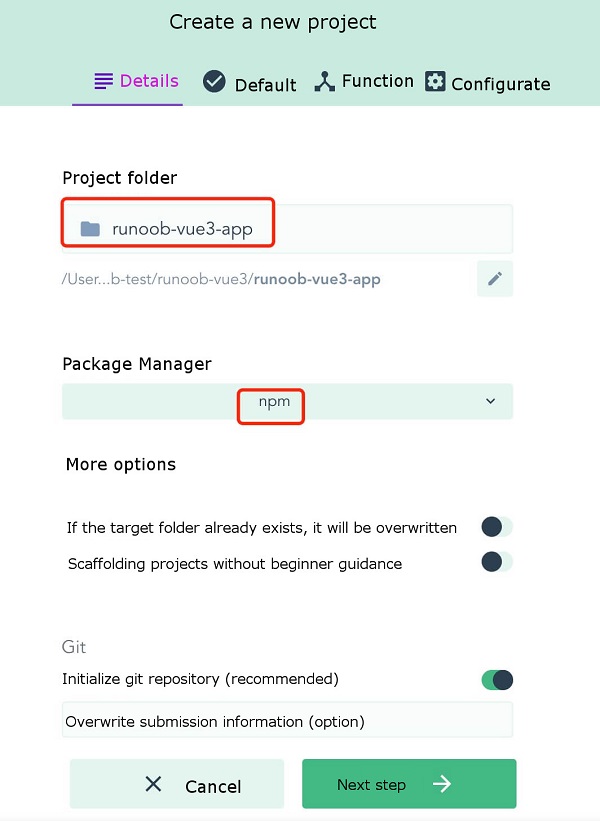
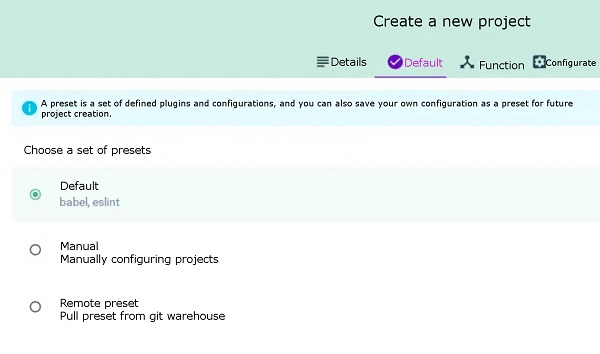
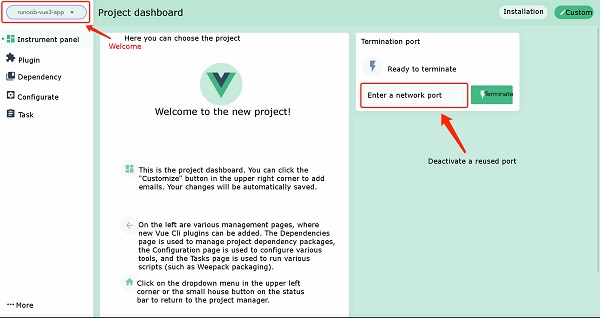
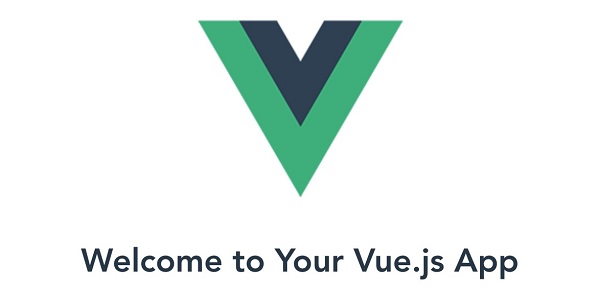
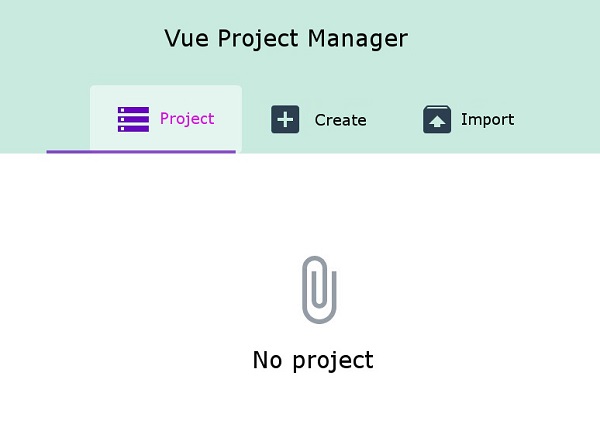
In the previous chapter of Vue3 installation, we used the Vue The syntax format for creating a project with the Vue Create a file created by the The options option can be: Next, we create Executing the above command will bring up the installation options interface: Press the enter key to enter the installation and wait for a moment to complete the installation. After the installation is complete, we enter the project directory: cd runoob-vue3-app2 Launch application: Then open http://localhost:8080/ , and you can see the application interface: In addition to using the Vue Run the command: Execute the above command and a project management interface pops up in the browser: We can click the “create” option to create a project, select “create Project here” at the bottom, and select a path at the top of the page: Then enter our project name, select the package management tool as You can choose the configuration by default: Then wait for the installation to be completed, and the administrative interface for the installation is as follows: init command to create a project. In this chapter, we mainly introduce the Vue create command to create a project and the use of the Vue ui command to open a graphical installation interface. 2.4.1. Vue
create command ¶ create command is as follows:vue create [options] <app-name>
vue-cli-service new projects to support: -p, --preset -d, --default :Ignore prompts and use default preset options -i, --inlinePreset -m, --packageManager npm Client -r, --registry npm registry -g, --git [message] :Force / skip git initialization and optionally specify initialization submission information -n, --no-git :Skip git initialization -f, --force :Overwrite the possible configuration of the target directory -c, --clone : Use git clone to obtain remote preset options -x, --proxy :Create a project using the specified agent -b, --bare :Omit the novice guidance information in the default component when creating a project -h, --help :Output usage help information runoob-vue3-app project:vue create runoob-vue3-app
Vue CLI v4.4.6 ? Please pick a preset: (Use arrow keys) ❯ default (babel, eslint) Manually select features
npm run serve
2.4.2. Vue ui command 
create command to create projects, we can also use visual creation tools to create projects.$ vue ui 🚀 Starting GUI... 🌠 Ready on http://localhost:8000 ...
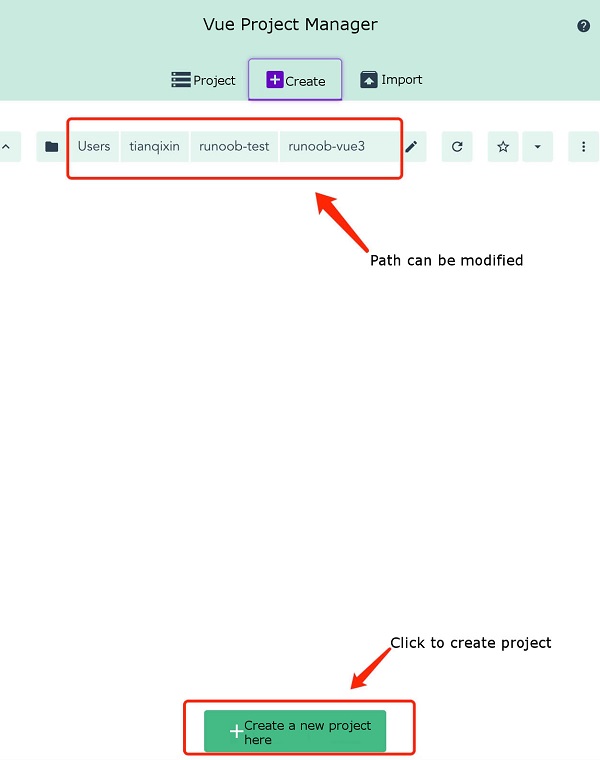
npm , and click Next: